Facebook Marketplace Furniture: How to Actually Get It Delivered

You found exactly what you were looking for. Right price, good condition, reasonable distance from you. Then you read the listing: pickup only. If you do not have a truck or a van, this is where most people stall. Here is how to get it delivered without borrowing a vehicle or asking someone for a favour.
Why Facebook Marketplace Sellers Usually Will Not Deliver
Most private sellers on Facebook Marketplace are not professional movers. They are people clearing out a spare room or upgrading their furniture. Delivering a sofa or a dining set means renting a vehicle, coordinating schedules, driving to a stranger’s home, and carrying a heavy item through their building. That is a full afternoon of work on top of an already inconvenient transaction.
Looking for the cheapest way to get a couch delivered specifically? We break down every option in our couch delivery Winnipeg guide.
Sellers who do offer delivery often charge more than a professional service would cost anyway. Most listings say pickup only because it is a simpler sale. They are not going to change that policy for you.
What Most People Try First (And Why It Does Not Work)
Asking the seller to make an exception. Occasionally works. Mostly does not, and even when it does, the logistics become your problem to coordinate.
Borrowing a friend’s truck. This works when the stars align: the right friend, available on your schedule, willing to spend their afternoon helping move furniture for someone else. That combination is less reliable than it sounds.
Renting a van. A reasonable option on paper, but by the time you book the rental, pick it up, do the job, return it, and fill the tank, you have spent $80 to $120 and three or four hours on a transaction that should have taken one.
The Actual Solution
You book a Truckbud driver exactly the way you would book any other delivery. The driver goes to the seller’s address, picks up the item, and delivers it to yours. You do not need to be at the pickup location. The seller just needs to be home to hand it off.
This works for any private seller in the city, whether you found the item on Facebook Marketplace, Kijiji, or anywhere else. Booking takes a few minutes and same-day or next-day availability is common.
How to Set It Up
Step 1: Before you finalize the deal with the seller, get the item’s rough dimensions. This determines the vehicle type for the booking.
Step 2: Confirm the seller’s full address and ask what time works for pickup. Most sellers are flexible when they know a professional driver is coming.
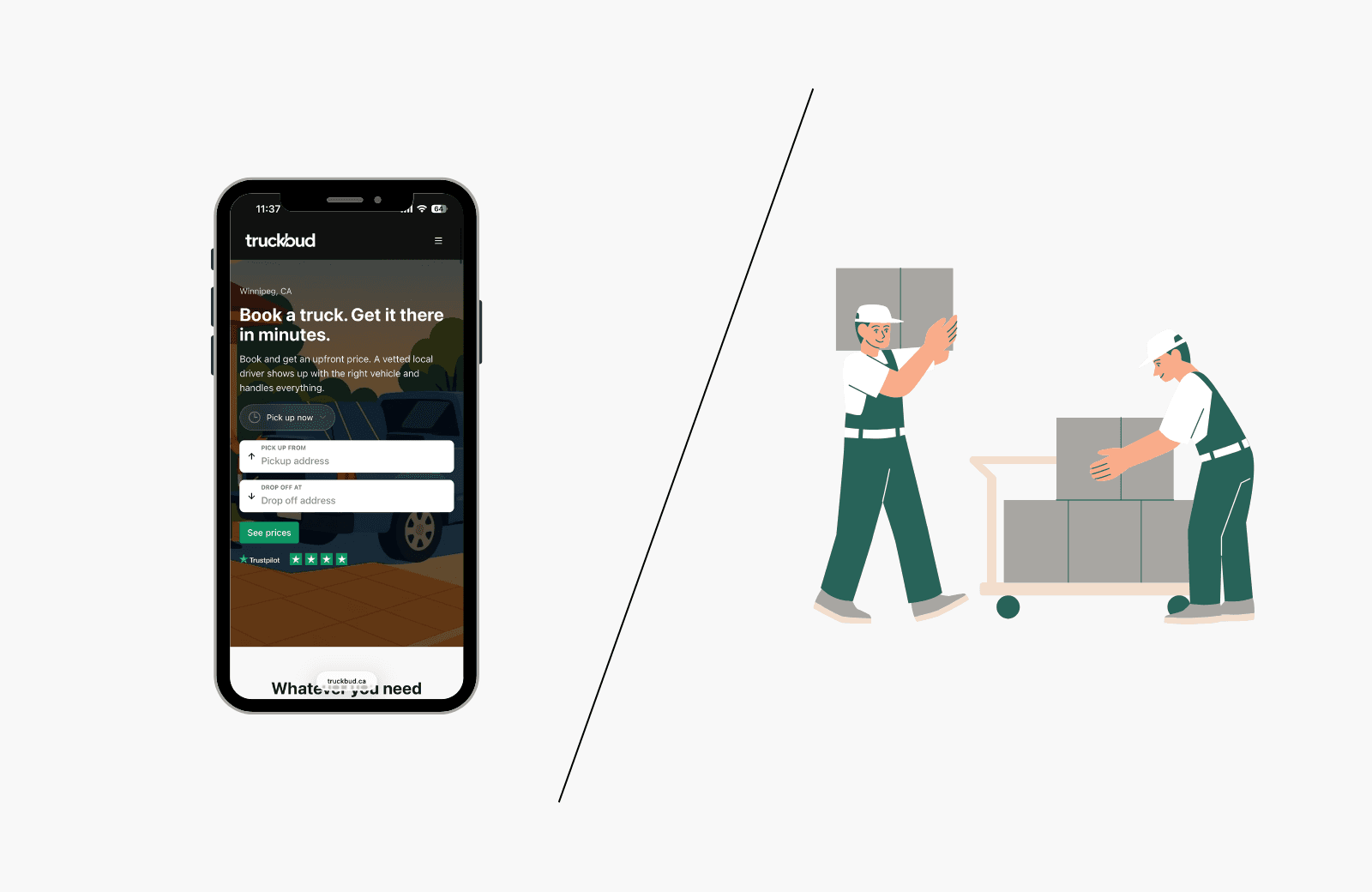
Step 3: Book through Truckbud. Enter the seller’s address as the pickup and your address as the drop-off. Add item details in the notes.
Step 4: Share the driver’s name and contact details with the seller so they can coordinate the handoff directly.
Step 5: Be at your address when the delivery arrives.
For most in-city jobs, the whole process from booking to delivered runs one to three hours.
Details That Make the Job Go Smoothly
Item size. A two-seat sofa is a different job than a U-shaped sectional. Accurate dimensions mean the right vehicle shows up the first time.
Stairs and building access. If the pickup or drop-off location has stairs, a narrow doorway, or requires elevator booking in advance, mention it when you book.
Weight. If the item is particularly heavy or awkward, a note in the booking helps the driver prepare.
What This Typically Costs
For most in-city Facebook Marketplace pickups, on-demand delivery costs less than a rental vehicle would once you factor in mileage, insurance, and fuel. The price depends on item size and distance between addresses. There are no surprise charges after the job.